Any image.
Exactly the KB you need.
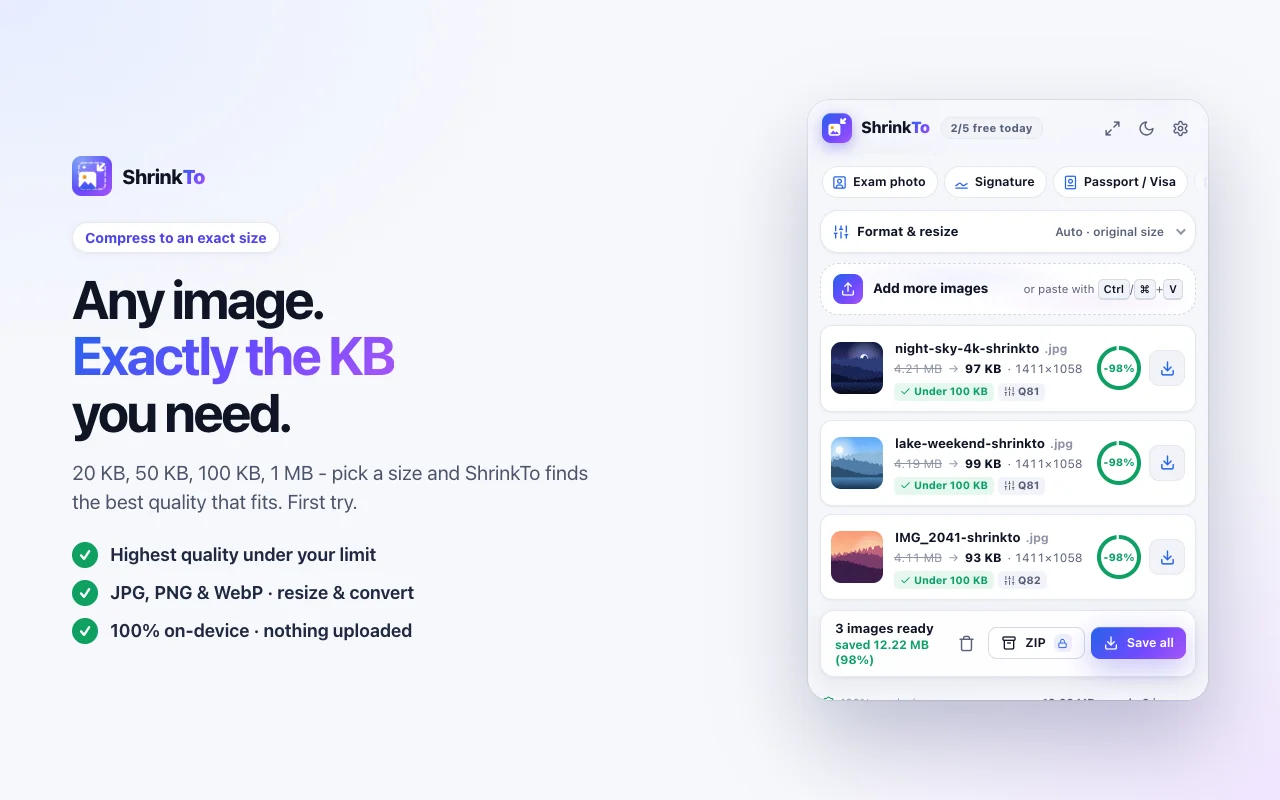
Exam forms, passports, email, websites - ShrinkTo compresses any photo to the exact size you ask for, at the best quality that fits. Right inside Chrome. Nothing is ever uploaded.
- 100% on-device
- Works offline
- Hits the size first try
- 5 free images every day
Everything new in 2.0
Built for the uploads that keep saying no.
Every feature exists because a real form, inbox or website rejected a real photo.
Exact-KB targeting
Type 50 KB, get a file under 50 KB at the highest quality that fits. It searches quality first and trims pixels only when it must.
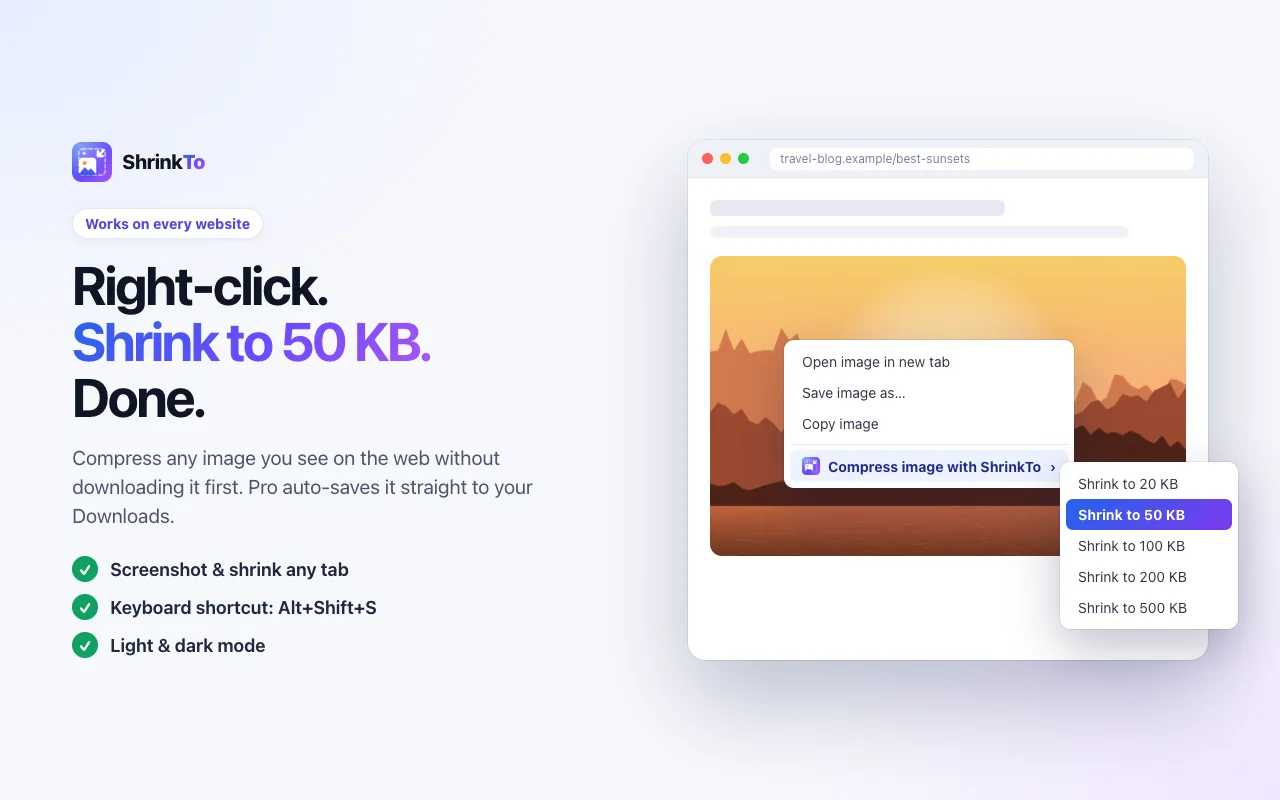
Right-click any image
On any website: Shrink to 20, 50, 100, 200 or 500 KB. No saving first.
One-tap presets
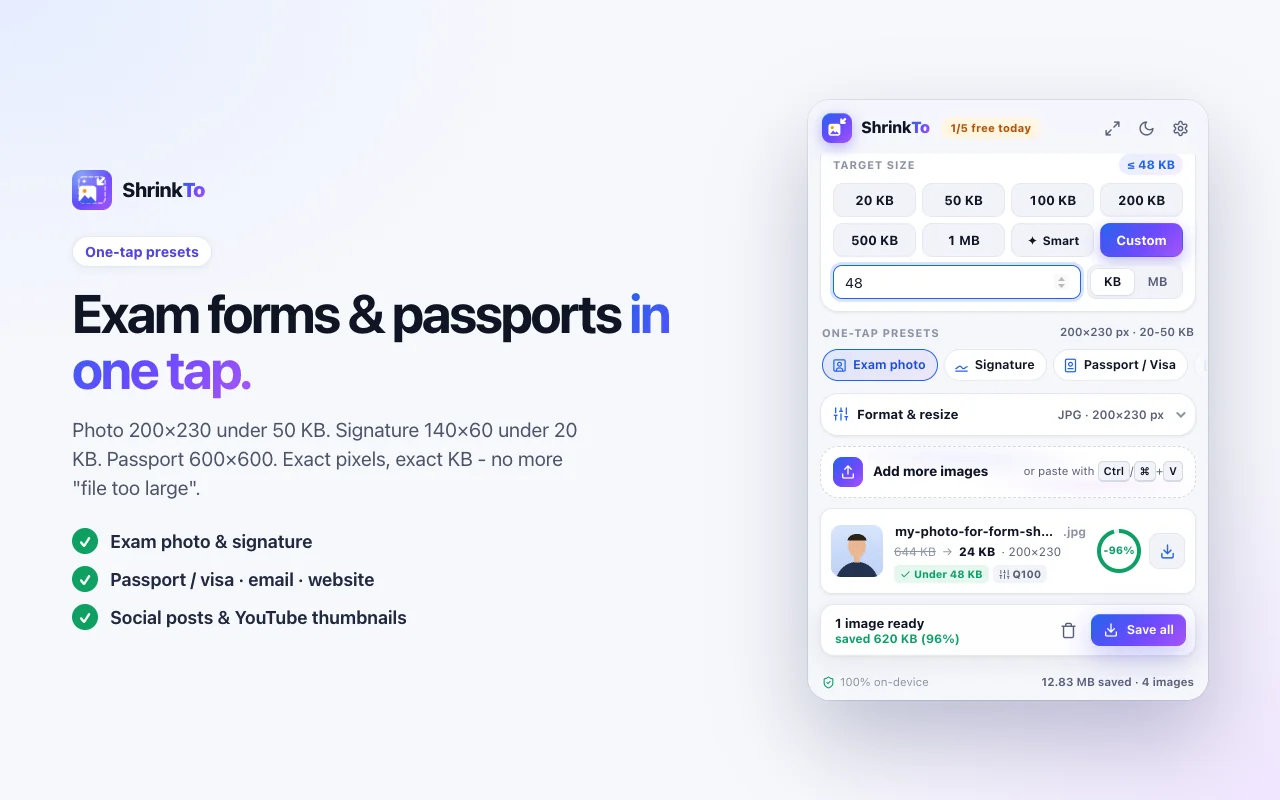
Exam photo, signature, passport, email, website, social, YouTube.
Smart PNG
Palette compression like TinyPNG: 60-80% smaller, transparency kept.
Before / after
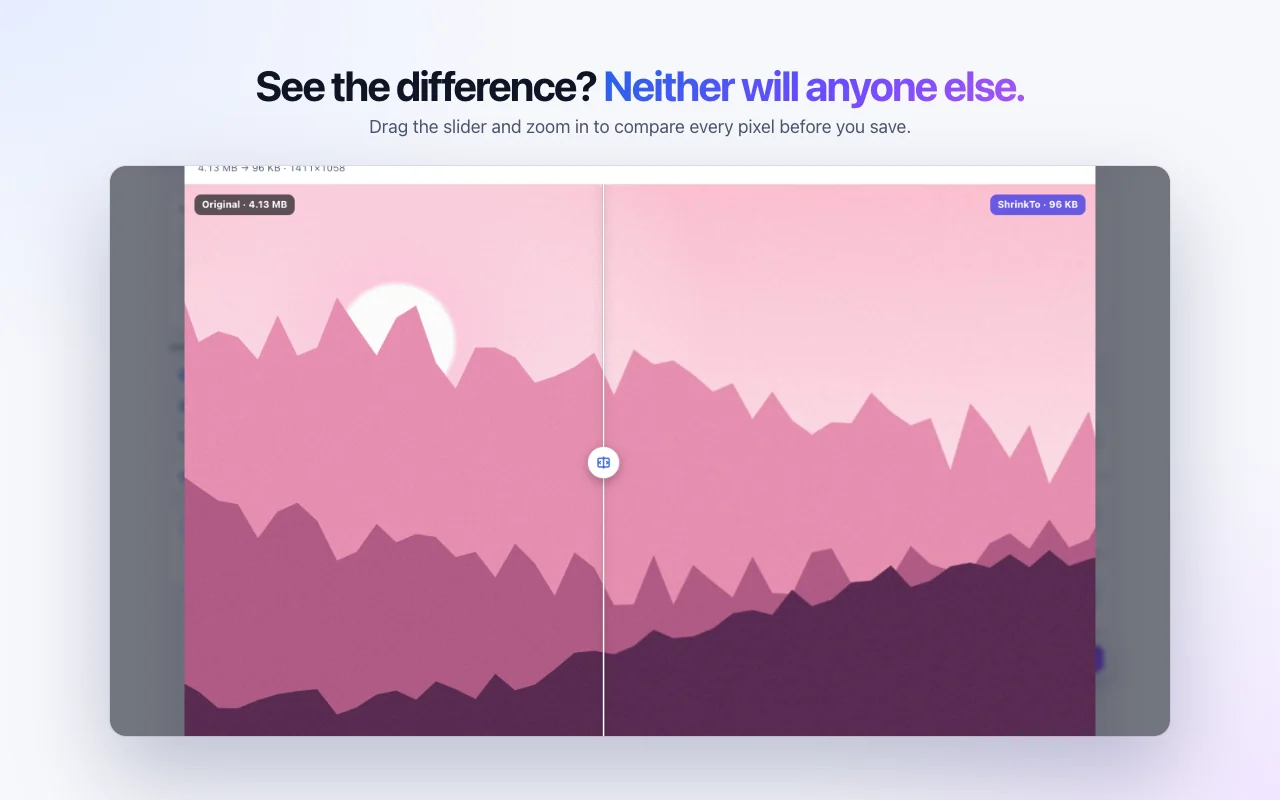
Drag the slider and zoom in. See exactly what you kept.
Batch + ZIP PRO
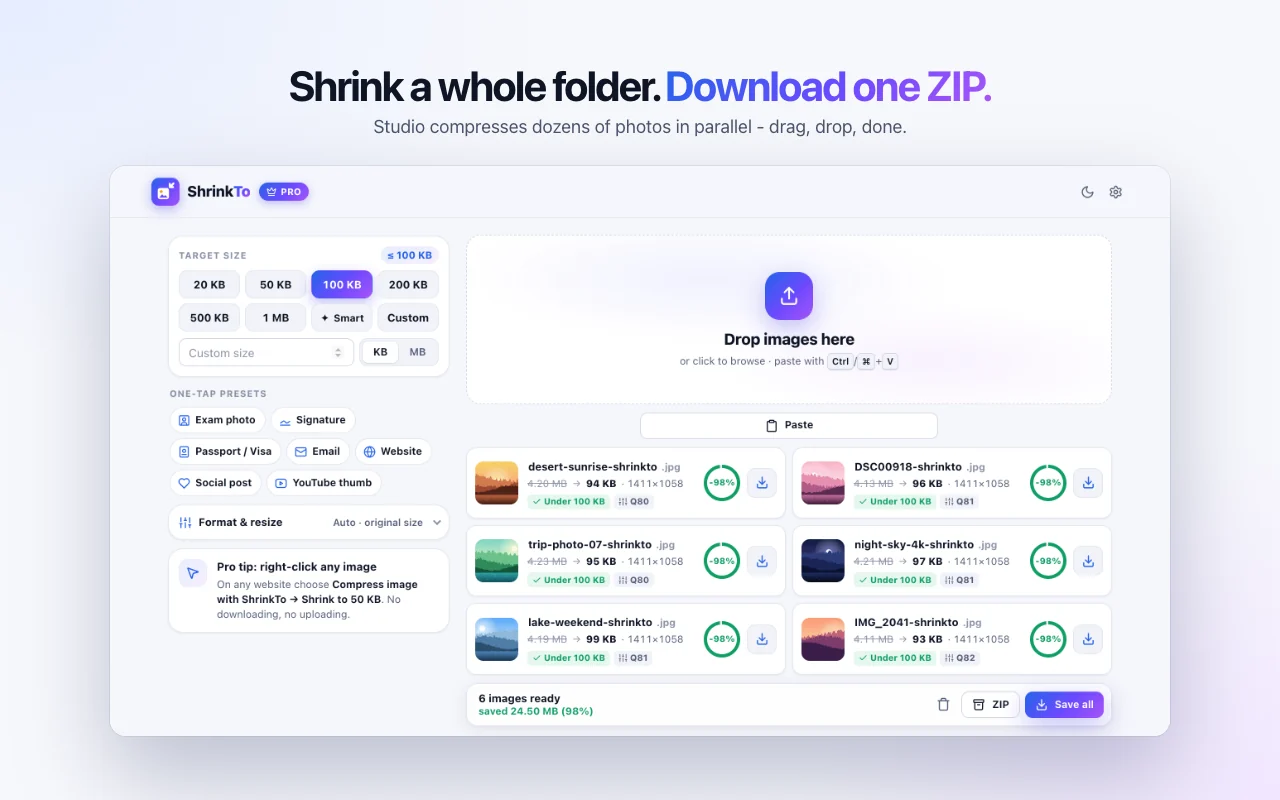
Shrink dozens of photos in parallel. Rename, save all, or grab one ZIP.
Screenshot & shrink PRO
Capture the tab you're on and get an upload-ready image in one click.
Private by design
Runs on your device, works offline, strips EXIF & GPS.
Light & dark
A calm, fast interface that follows your system theme.
Keyboard first
Open ShrinkTo from anywhere. Paste images with Ctrl/Cmd+V.
Under 30 seconds
From “file too large” to accepted.
- 01
Add to Chrome
Install from the Chrome Web Store and pin it. Free, no account.
- 02
Pick a size or preset
20 KB, 50 KB, 1 MB - or one tap on Exam photo, Passport, Email.
- 03
Save and upload
Done in a blink, on your device. Check it with the slider, then save.
The real extension
Looks this good in your toolbar, too.
One-tap presets
The exact rules, already filled in.
Exact-pixel presets never shrink below the size the form asks for - ShrinkTo lowers quality instead.
Exam photo
Government job & entrance exam forms
Signature
Signature upload fields
Passport / Visa
Online passport & visa photos
Attachments that always send
Website
Fast pages, better Core Web Vitals
YouTube thumbnail
Exactly what YouTube asks for
Why it beats every other compressor.
| Feature | ShrinkTo | Online compressor sites | Subscription extensions |
|---|---|---|---|
| Price | Free · Pro $1 once | Free with ads & limits | $3-9 every month |
| Exact-KB targeting | Yes | No | No |
| Exam, signature & passport presets | Yes | No | No |
| Images stay on your device | Yes | No | varies |
| Right-click any image | Yes | No | varies |
| Before / after compare | Yes | limited | varies |
| Batch + ZIP | Yes | limited | Yes |
| Works offline | Yes | No | No |
Simple pricing
Free every day. $1 for life.
Less than a cup of tea - once. No subscription, ever.
Free
$0 forever
- 5 images every day
- Exact KB, presets, resize & convert
- Smart PNG + before/after
- Right-click any image
- 100% on-device
- Batch ZIP
- Screenshot & shrink
Pro · lifetime
$1 one-time
- Unlimited images, no daily cap
- Batch ZIP downloads
- Screenshot & shrink any tab
- Right-click auto-save to Downloads
- Custom file names like {name}-{kb}kb
- 3 browsers · every future update
Upgrade inside the extension. Secure checkout by Dodo Payments, activates automatically.
Official partners
ShrinkToMyKavoYou made the images light.
Now keep the whole site healthy.
Oversized images are the most common reason pages get slow. ShrinkTo fixes the files; our partner MyKavo watches the pages they live on and tells you the moment something breaks.
- Page weight Heavier images, new scripts, slower responses
- SEO Titles, canonicals, accidental noindex
- Uptime Down, 5xx and SSL checks every few minutes
- Visual Before-and-after screenshots of what changed
MyKavo free plan: 1 website · 5 pages · weekly scans · no card.
Questions, answered.
Is ShrinkTo free?
Yes. The free plan gives you 5 images every day with every compression feature - exact KB, presets, resize, convert, smart PNG, before/after and right-click. Pro is a one-time $1 payment for unlimited images, batch ZIP downloads, screenshot & shrink, right-click auto-save and custom file names.
Is $1 really a one-time payment?
Yes. You pay $1 once (plus sales tax where it applies) and Pro is yours for life, including every future update. No subscription, no credits. Checkout is handled by Dodo Payments and Pro activates automatically.
Does the extension upload my images?
Never. Compression runs entirely inside your browser on your own device and works offline. EXIF data and GPS location are stripped automatically - safe for passports, IDs and personal photos.
How exact is the exact-KB compression?
ShrinkTo searches for the highest quality that fits your limit and typically lands at 94-99% of the size you ask for. If your image is already small enough, you get it back untouched - it never makes a file bigger.
My exam form needs a photo between 20 and 50 KB. Will it work?
That's exactly what the Exam photo preset is for: it outputs 200×230 px and keeps the file inside the 20-50 KB window - it raises quality first and only pads the file if a tiny image would otherwise fall below the minimum.
Which formats are supported?
JPG, PNG and WebP in and out, plus GIF, BMP and AVIF input. Smart PNG uses palette compression to make PNGs 60-80% smaller while keeping transparency. iPhone HEIC photos need to be exported as JPG first.
On how many browsers can I use Pro?
Your Pro license works on up to 3 browsers. You can deactivate a browser anytime from the extension's settings to move it to a new computer.
Does it work in Edge, Brave and Opera?
Yes - any Chromium browser that installs extensions from the Chrome Web Store, version 116 or newer.
Stop guessing file sizes.
Hit every upload limit on the first try - free, private, and in your toolbar in 30 seconds.
Prefer the web? Compress images on shrinkto.com